
Your First Year in a New Home: Understanding the Tarion Warranty Timeline

The keys are in hand, the boxes are slowly disappearing, and you've already found your favourite spot to watch the sun go down. Moving into a brand-new home is full of firsts, and somewhere between unpacking the kitchen and learning which light switch does what, there's a quieter part of new homeownership worth getting familiar with: your first year under the Tarion new home warranty.

The good news is that it's more straightforward than it sounds. Knowing what the Tarion warranty timeline looks like, what to keep an eye on, and how to work with your builder makes the whole year feel easy, so you can spend more of it simply enjoying where you live.

What the Tarion Warranty Covers After You Move In
Every new home built by a licensed Ontario builder comes with statutory warranty coverage, backed by Tarion. That coverage begins on your date of possession and is organized into three layers:
One-year warranty: Covers workmanship and materials, compliance with the Ontario Building Code, and making sure the home is fit to live in.
Two-year warranty: Covers items like water getting in through the basement, foundation, windows, or doors; defects in the electrical, plumbing, and heating delivery systems; detachment of exterior cladding; and Building Code violations that affect health and safety.
Seven-year warranty: Covers major structural defects.

Most of what homeowners notice in the first year is small: a door that needs adjusting, a nail pop in the drywall, or a bit of caulking that needs touching up. The warranty process is simply the organized way to get those things looked after.

The First-Year at a Glance: Tarion Warranty Timeline
If you've heard friends or family mention a "30-Day Form," that was how the process worked for many years. Tarion updated it in 2024, and for homes with a date of possession on or after May 1, 2024, the first year now works a little differently (and a little more generously).

Instead of racing to fill out one form in your first month, you keep a running list in Tarion's online MyHome portal. The portal then submits that list automatically at three points during your first year:
Form | You Can Add Items From | Automatically Submitted On |
Initial Form | Day 1 after possession | Day 41 |
Mid-Year Form | Day 42 | Day 183 |
Year-End Form | Day 183 | Day 365 |
Each submission starts a 120-day repair period, during which your builder should repair or otherwise resolve the warranted items on that form. Anything you didn't catch in time for one form can simply go on the next one.
The Year-End Form is your final opportunity to report one-year warranty items, and only one is accepted, so it's worth giving your list a careful once-over as the anniversary of your move-in approaches.
Getting Set Up in MyHome
One of the most helpful things you can do in your first few weeks is register for your MyHome account. The portal keeps track of your key dates for you, sends reminders before each submission, and lets you send warranty items to your builder and Tarion at the same time. It also keeps a record of everything you've reported, which comes in handy later.

It's also good to know that Tarion expects you to let your builder know about an issue first and give them a reasonable chance to address it. Your builder's customer care or warranty team is your first point of contact, and MyHome makes it easy to keep everyone on the same page.
What to Note as You Settle In
The simplest habit for your first year is to add items to your list as you notice them, rather than saving everything for one big session. A few tips make that list more useful:
Be specific. Note the room, the exact location, and what you're seeing (for example, "primary bedroom closet door rubs at the top right corner").
Take dated photos. A quick picture now saves a lot of explaining later.
Check the things you use every day. Doors and windows that stick, cabinet doors that don't line up, fixtures, outlets, and taps are common early finds.
Watch how the home changes with the seasons. A new home dries out and settles through its first heating season, so small drywall cracks, nail pops, or gaps in caulking can show up over the winter. Spring is a good time to look at grading and drainage around the house after the snow melts.
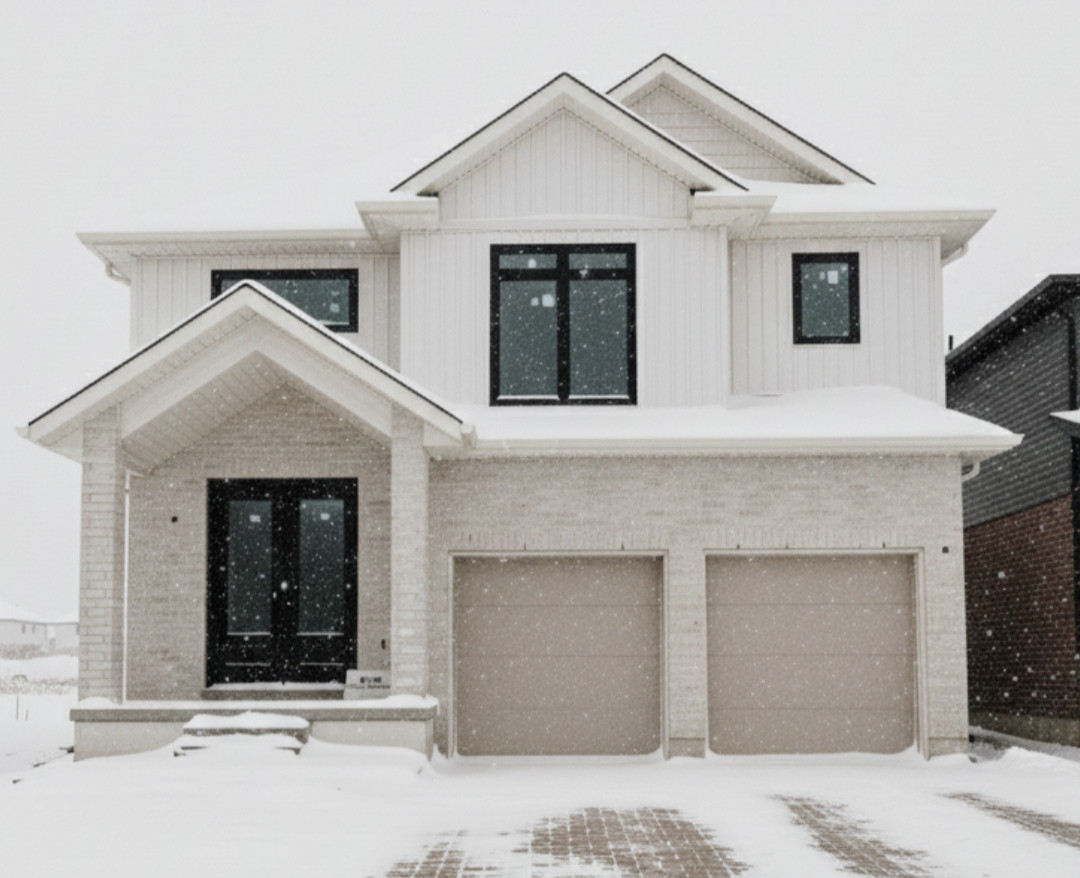
Some changes, like minor settling, are a normal part of a new home's first year. If you're not sure whether something is a warranty item, Tarion's Construction Performance Guidelines describe what's considered acceptable, and your builder can help you sort it out.

For homes near Lake Huron, winter also affects outdoor work. Exterior items like final grading, sod, or paving often can't be completed until the weather cooperates. Tarion recognizes this: builders have up to 270 days of suitable weather from your date of possession to complete warranted seasonal items reported on your first-year forms.
Working with Your Builder
A good relationship with your builder makes the first year smoother for everyone. Builders want their homes to be right, and a little organization on your side helps them get there faster.
Put it in writing. Even if you mention something in passing, follow up through MyHome or by email so there's a clear record.
Make access easy. Repairs need someone at home, so respond to scheduling requests promptly and keep a note of each visit.
Keep your records together. Save emails, photos, and repair dates in one folder. It's helpful if questions come up, and it matters near the one-year mark (more on that below).
Know your next step if something isn't resolved. If a warranted item still isn't fixed after the repair period, you can ask Tarion for help through a process called conciliation, where Tarion inspects the item and decides whether it's covered. For items on your Initial or Mid-Year Form, you can request conciliation any time after the form is submitted, up until the next form's submission date. For Year-End items, you have up to 150 days after the Year-End Form is submitted.
Most homeowners never need to go that far, but it's reassuring to know the option is there.
If You Miss Something Near the One-Year Mark
Life gets busy, and the first anniversary in a new home can sneak up on you. Tarion offers a 10-day grace period after the Year-End deadline for items you missed. Forms in the grace period need to be submitted manually, and you'll need written evidence that you reported the item to your builder during your first year. That's one more reason to put things in writing as you go.


Looking Ahead to Year Two and Beyond
Once your first year wraps up, the process gets lighter. During your second year, you can submit a Second-Year Form at any time for items covered by the two-year warranty, and you can submit more than one. From the end of year two through year seven, the Major Structural Defect Form covers any significant structural concerns.

For most homeowners, year two is mostly about enjoying the place, with a quick check-in on things like windows, doors, and the basement after a full cycle of seasons.
Settling Into Sol Haven
Your first year at Sol Haven is a year of firsts: the first quiet winter, the first spring walk on the trails, and the first full summer of evenings spent watching the sky turn gold. A simple running list, a MyHome account, and an open line with your builder take care of the practical side, so you can focus on the part that matters most: feeling at home.

If you're still early in the process, our guide to buying a new build covers everything leading up to closing day.

FAQ
When does my Tarion warranty start?
Your warranty coverage starts on your date of possession, and your first-year form timeline is counted from that day.
Do I still need to submit a 30-Day Form?
Not if you took possession on or after May 1, 2024. Instead, you add items to your list in MyHome, and the portal automatically submits them on day 41 (Initial Form), day 183 (Mid-Year Form), and day 365 (Year-End Form).
How long does my builder have to make repairs?
Each submitted form starts a 120-day repair period. Seasonal exterior items can take longer, since builders have up to 270 days of suitable weather from your date of possession to complete them.
What if my builder doesn't resolve an item?
You can request a conciliation, where Tarion inspects the item and decides whether it's covered by the warranty. The timing depends on which form the item was on.
What if I forget to report something before my first anniversary?
There's a 10-day grace period after the Year-End deadline, as long as you have written evidence that you reported the item to your builder during your first year.

References
Tarion Warranty Corporation. (n.d.-a). About claim forms & timelines. https://tarion.com/node/745
Tarion Warranty Corporation. (n.d.-b). How to make a warranty claim and what to expect. https://tarion.com/media/how-make-warranty-claim-and-what-expect
Tarion Warranty Corporation. (n.d.-c). Regular claims process. https://www.tarion.com/regular-claims-process
Tarion Warranty Corporation. (2024). Registrar bulletin no. 01: Customer service standard. https://www.tarion.com/sites/default/files/RB01%20-%20Customer%20Service%20Standard.pdf


Comments